
Twitch chat replay
Watch any Twitch VoD with its chat replayed in sync. Search every message, click timestamps to seek, with 7TV, BTTV, and FFZ emotes rendered.
Because vod.ing fetches the full chat for every VoD you import, the editor can replay it next to the player. You can scroll, pause, filter, and click timestamps to seek the video.
For how chat replay works on Twitch itself, and why some VoDs have no chat at all, see the chat replay guide on the main site.
What it looks like
The chat replay lives in the Live chat tab on the editor's right-side tab group:
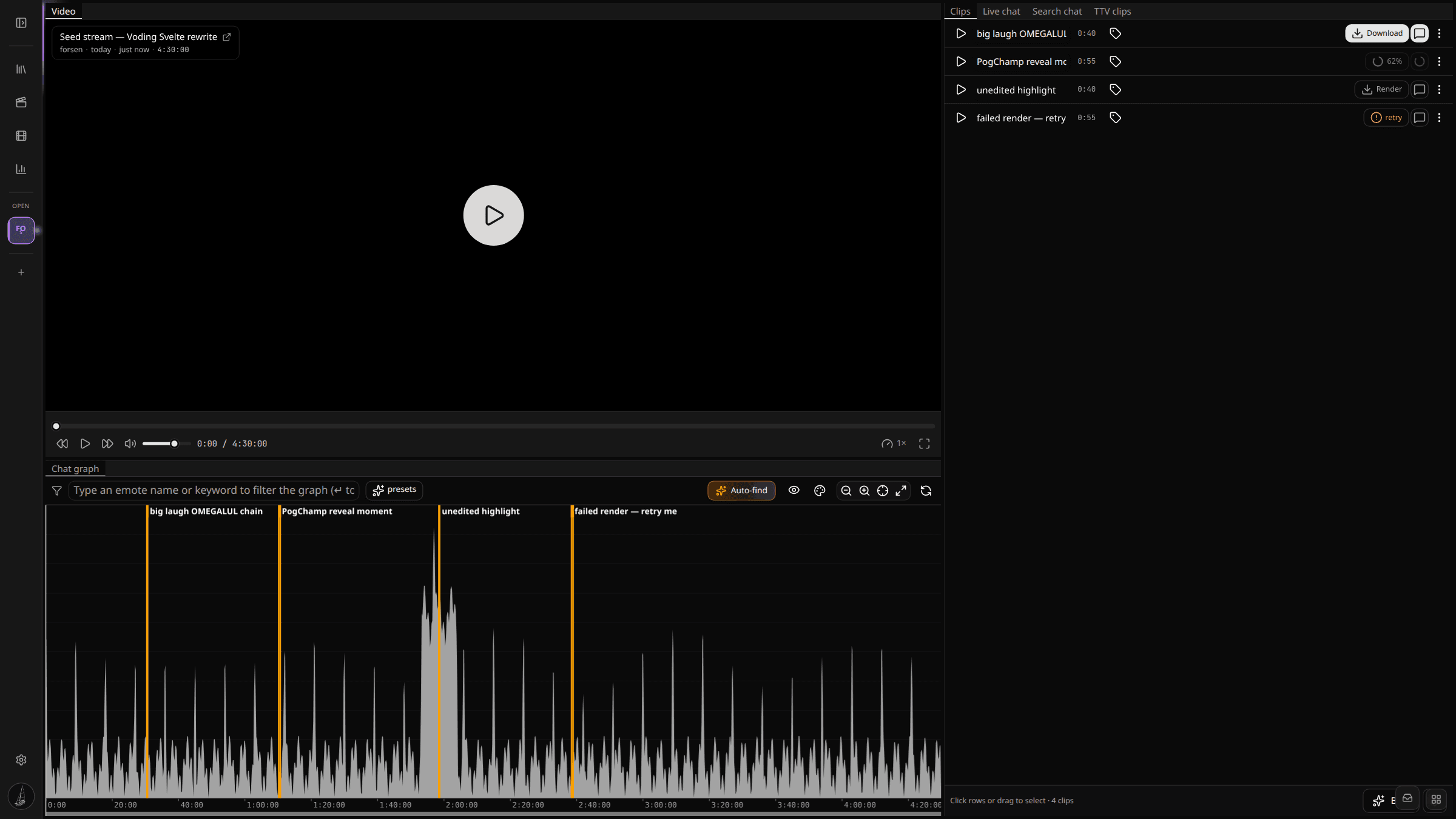
The chat replay supports:
- Animated and static 7TV, BTTV, and FFZ emotes alongside Twitch global and channel emotes.
- Most Twitch badges (broadcaster, mod, VIP, subscriber tier, founder, bits, predictions, and more).
- Click any timestamp to seek the player to that exact moment.
- Scroll up to pause autoscroll, scroll back to the bottom to resume. Same behaviour as vanilla Twitch chat.
Filtering the chat log
Switch to the Search chat tab next to Live chat for free-text search across every message in the VoD. The search input accepts:
- A username — follow one chatter across the whole stream.
- A message fragment — find every time someone said something specific.
- A combined query (
user: word) — drill down to a chatter's takes on a specific topic.
Results render as a flat list with timestamps. Click any result to seek the player to that moment and switch back to Live chat to read the context around it.
How chat is stored
For the curious: the chat is fetched once at VoD-ingest time by TwitchDownloaderCLI chatdownload and stored two ways in parallel:
- A canonical
chat.json.gzin S3 — the full TwitchDownloader-format file, kept as an immutable archive. - A Postgres
ChatMessagetable keyed by(streamId, messageId)with a(streamId, offset)btree and a trigram GIN index onmessage. The editor's live-chat scroll, the activity-graph aggregation, the search panel, and the chat renderer all read from this single source — the renderer slices out the exact[start, end]window it needs with one indexedSELECTinstead of pulling shard files from S3.
This is why the chat panel is instant the moment you open a VoD whose chat finished ingesting — there is no live-fetch from Twitch involved.