
What is vod.ing
A browser-based editor for Twitch VoDs
Vod.ing is a browser-based editor for Twitch VoDs. It is built for editors who clip from streams every week and want a faster path from a long broadcast to a folder of pre-cut clips.
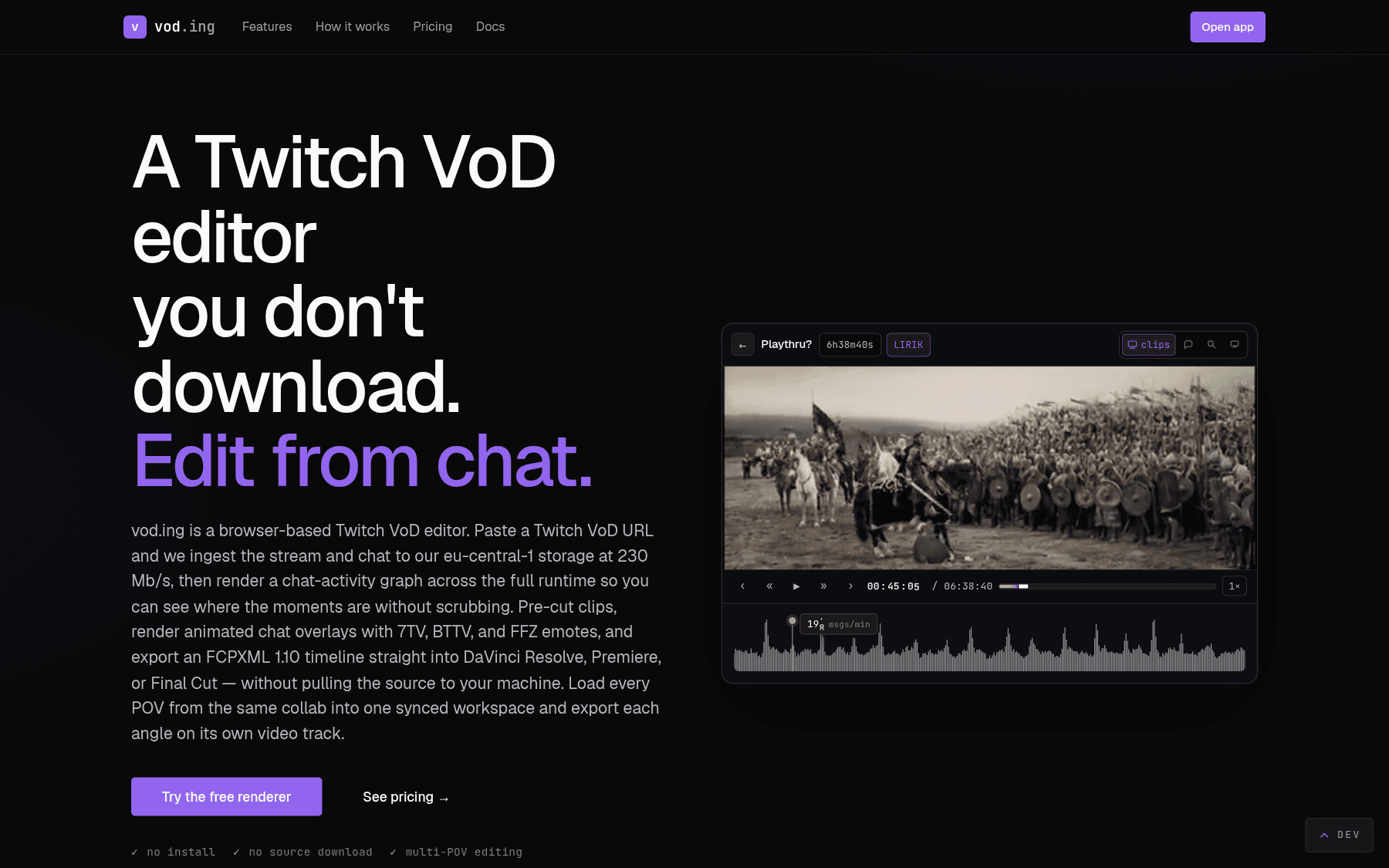
The product does the slow parts for you. It fetches the VoD and the chat onto our servers, draws a chat activity graph across the whole stream, lets you filter that graph by Twitch, 7TV, BTTV, and FFZ emotes, and exports clips with optional rendered chat overlays. You never have to download the source VoD to your machine.
Who it is for
Vod.ing is most useful if you regularly edit Twitch content and one of the following is true:
- You spend hours scrubbing through VoDs looking for clippable moments.
- Your drive fills up with multi-gigabyte VoDs you only need for a few short clips.
- You need a chat overlay on top of clips and the existing free tools are clunky.
- You want to work from more than one machine without syncing project files around.
If your workflow already starts from raw OBS recordings or you only clip occasionally, vod.ing is probably overkill.
What you actually get
Chat activity graph
A messages-per-second line across the entire VoD. Tall bars usually mean something clippable happened. Click any peak to seek.
Emote and word filters
Layer multiple emote chips (KEKW, monkaS, POG) or raw word filters on top of the graph. Twitch global and channel emotes plus 7TV, BTTV, and FFZ.
Auto highlight finder
One click scans the current graph for statistically significant spikes and surfaces them as ready-to-clip markers.
Clip creation
Drag on the graph to bracket a moment. Name it, tag it with a category, export an MP4. Categories make compilation reels trivial.
Chat overlay rendering
Render a transparent MOV or flat MP4 of chat for the exact seconds of a clip. Animated 7TV, BTTV, FFZ emotes are preserved.
DaVinci-ready timelines
Bundle several clips and a per-clip overlay position into one FCPXML 1.10 project file. Opens directly in Resolve 19+.
Multistream editing
Load a collab, raid, or tournament from every angle into one synced workspace. Cut once, render per angle.
No downloads required
The VoD and the chat live on our infrastructure. Open the editor from any browser, the source never touches your disk.
How the workflow looks
- Sign in with Twitch.
- Request a VoD. We pull it onto a dedicated 230 Mb/s connection and store the video plus the full chat.
- Open the editor. The chat activity graph appears as the video timeline.
- Filter the graph by emote, run the auto highlight finder, or just scan for tall bars.
- Drag-clip the moments worth keeping. Name them, drop them into categories.
- Export the MP4 clips. Optionally render a chat overlay alongside each clip, or bundle them into an FCPXML timeline for DaVinci Resolve.
The result is a folder of pre-cut clips with optional chat overlays, ready to drop into Premiere, DaVinci, or Final Cut.
Try it without a plan
If you want to test the chat overlay pipeline before committing to a plan, the free chat renderer at vod.ing/free-chat-render renders a 3-minute overlay from any public Twitch VoD entirely in your browser. Ten free renders per day, no upload.
Plans and pricing
Every feature is included on every plan. The only variable is storage. See Pricing for the plan ladder and the storage calculator.