
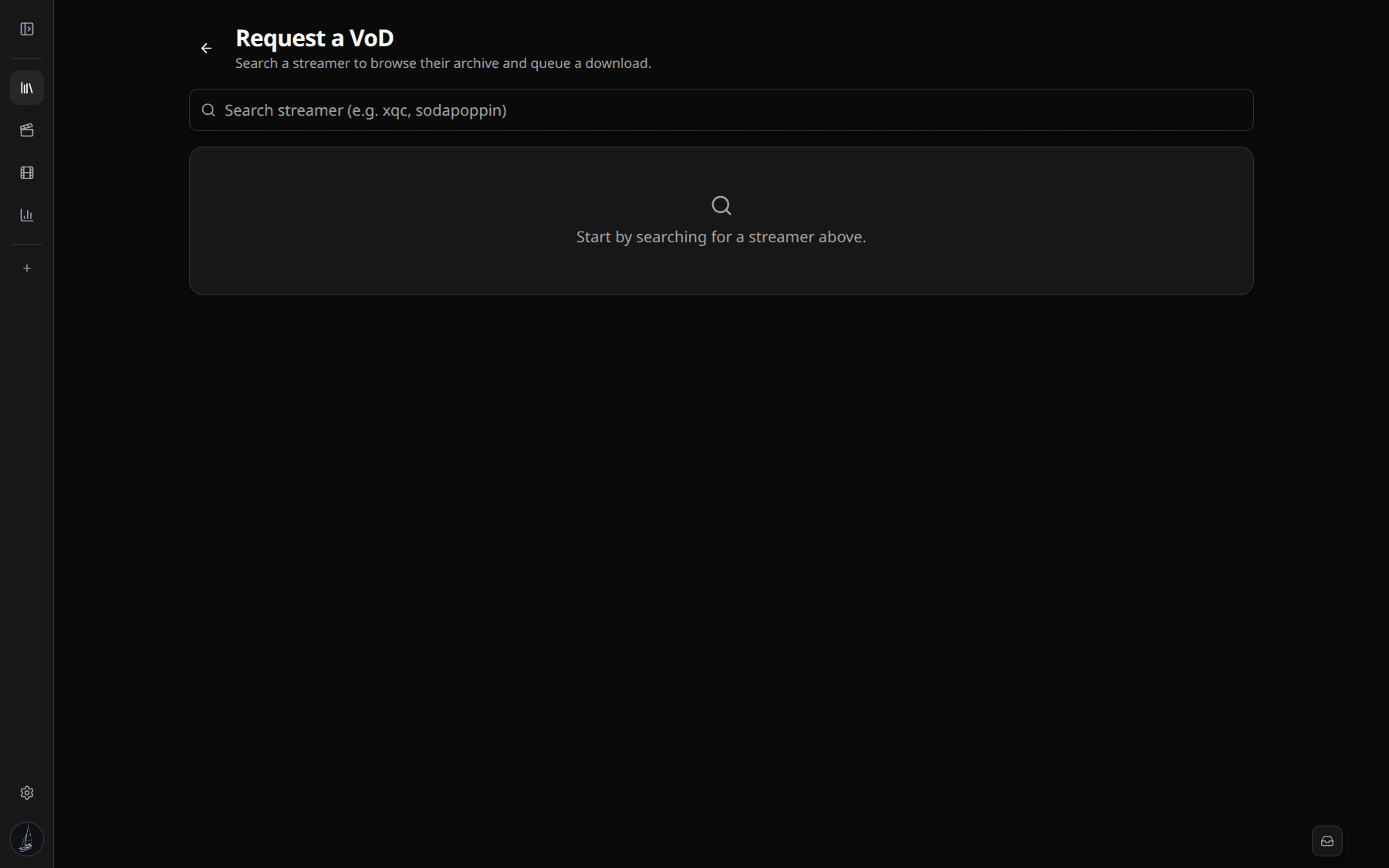
Request a VoD
How to pull a Twitch broadcast into vod.ing
To edit a VoD you first need vod.ing to fetch it. There are three entry points: the Request VoD button on the VoD library, the Sync VoDs flow on the same page, and direct paste of a Twitch VoD URL.
What gets fetched
For every VoD you request we run two parallel jobs:
- Video — the HLS playlist plus every segment file. Stored in our
eu-central-1S3 bucket. We do not transcode, the original Twitch quality ladder is preserved. - Chat — the full chat replay via
TwitchDownloaderCLI chatdownload. The raw gzipped JSON is kept on S3 as an archive; individual messages are bulk-loaded into a PostgresChatMessagetable that backs graph aggregation, live-chat scroll, search, and the chat renderer's time-window slicing.
Both jobs run on AWS Fargate at roughly 230 Mb/s out of Twitch. A 12-hour VoD usually finishes the video pull in 7–10 minutes and the chat pull in 2–3.
Watching progress
The VoD card on /vods shows two progress bars: one for video, one for chat. The page polls the backend every few seconds. As soon as either reaches 100, the corresponding tag flips green and the editor can use that data — you do not have to wait for both before opening the VoD.
If video is done and chat is still pending you will see the player work but the graph empty. Reload after a minute and the graph fills in.
VoD URL formats accepted
https://www.twitch.tv/videos/2493007163https://twitch.tv/videos/24930071632493007163(just the ID)- Past broadcast IDs from the Twitch API.
Clips, highlights, and uploads are accepted too, but the chat replay is only as long as Twitch actually retained it.
Caveats
- Twitch retention. Twitch deletes VoDs 14 days after the stream for affiliate streamers, 60 days for partners, and 7 days for unaffiliated channels. Once Twitch deletes the source, we cannot fetch it. Request VoDs while they are still live on Twitch.
- Sub-only VoDs. We use a Twitch app token, not your user token, when calling the Helix API. Sub-only VoDs are not currently supported — Twitch only exposes them to OAuth tokens that hold an active sub on the channel.
- Storage counts. Every requested VoD counts toward your plan's storage cap. The card shows you the size after the fetch finishes; delete VoDs you no longer need from the same card to free quota.
Sync mode for multistream
For collabs, raids, or tournaments, click Sync VoDs instead of Request VoD. The picker lets you paste several VoD IDs at once, computes overlap based on each VoD's recorded_at timestamp, and creates one multistream editor session pointing at all of them. See Multistream editing.