
Player
The video player inside the vod.ing editor
The player is the video element inside the editor. It streams the VoD from our eu-central-1 S3 bucket as HLS, so nothing is downloaded to your disk and you can scrub freely without re-buffering the whole stream.
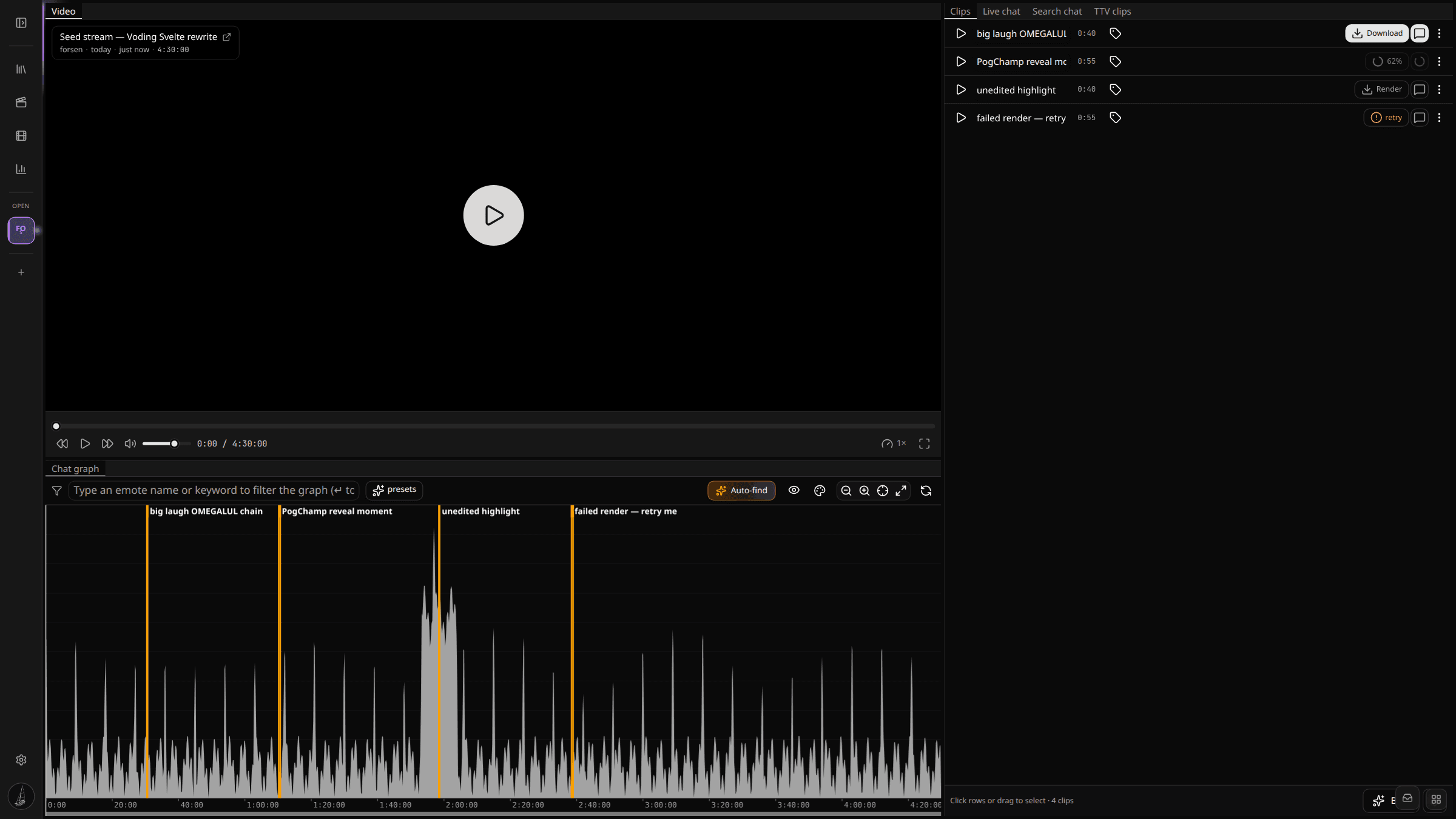
Controls
The player exposes the basics:
- Play and pause (space).
- Skip forward and back: ±5 seconds for fine seek (← / →), ±30 seconds for coarse jumps (shift + ← / →).
- Playback speed multiplier (
1xby default, up to4x). - Volume scrubber. Click the icon to mute. Clicking again restores the previous volume rather than resetting to a default.
- Fullscreen.
Quality is fixed for now. We serve a single HLS rendition per VoD — whichever quality Twitch had available when the chat fetcher pulled the playlist.
Seeking from the graph and chat
You will rarely use the scrubber on the player itself. The fast way to navigate is:
- Click any peak on the chat activity graph to seek.
- Click a timestamp on the Twitch chat replay to seek to that exact message.
- Click a row in the Clips tab or the TTV clips tab to seek to its start.
Every seek updates the graph playhead and scrolls the chat log to match.
What you see while video is still ingesting
If a VoD's chat finished before its video, the player shows a placeholder play button until vodDlProgress reaches 100. The graph already paints because chat is the slower-rendering surface. You can start brackets on the graph during this window — the clip rows are created, they just cannot render until the video segments arrive.