
Free chat overlay renderer
Render a Twitch chat overlay in your browser without signing up
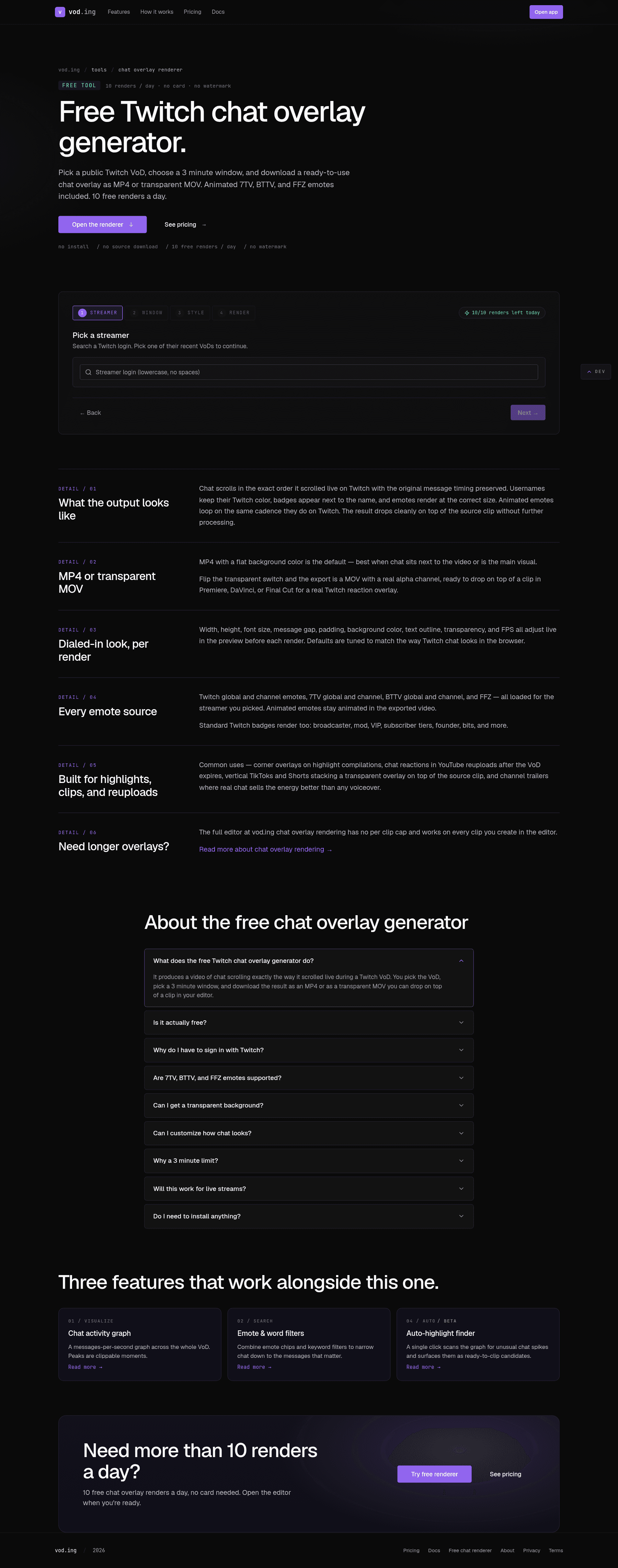
The free chat renderer at vod.ing/free-chat-render is a fully working chat overlay generator that runs entirely in your browser. No account required, no upload, no Twitch OAuth — pick a streamer, pick a 3-minute window of any of their recent VoDs, and it produces a transparent MOV (or a flat MP4) of chat that you can drop into your editor.
How it works
The whole pipeline runs in your browser:
- GraphQL against Twitch's public schema fetches the streamer's recent VoDs.
- The renderer pulls chat for the 3-minute window via Twitch's public chat replay endpoint.
- Emote and badge assets download from 7TV, BTTV, FFZ, and Twitch.
- ffmpeg.wasm composites the chat messages frame-by-frame into the output container.
Because nothing is uploaded, the renderer is completely private — your machine fetches public Twitch data, composites locally, and saves the result.
Output formats
| Format | Use when |
|---|---|
| MP4 + transparent | You want a single video file with an alpha channel, ready to drop on a track above your clip in DaVinci or Premiere. Encoded as MOV-style PNG-in-MP4. |
| MP4 + solid background | You want chat baked onto a solid color background (e.g. a green key, or a known studio color). |
In both modes you control width, height, FPS, font size, font color, message duration, and the background color.
What's gated
The free renderer is a sample of the full chat overlay pipeline. The two limits keep it sustainable:
- 3 minutes maximum window per render.
- 10 renders per IP address per day. The counter resets at midnight UTC. The rate-limit row in the
FreeChatRendertable holds the count.
If you need longer renders, batches, or larger volumes, request a VoD into a paid account — the same pipeline runs server-side without those caps and you can re-render any clip with one click.
When to use the free renderer
- You want chat overlays on a one-off clip and the full ingest is overkill.
- You want to validate that the overlay style (font, position, transparency) looks how you want before committing to a plan.
- You are a viewer or fan editor making something for a streamer you do not regularly clip from.
For ongoing work — multiple VoDs per week, longer windows, FCPXML export — the paid editor is what you want.